Why Is My Cordless Pressure Washer Battery Dying So Fast? (And How to Fix It)
Are you trying to figure out why your cordless pressure washer battery dies in under 10 minutes? Rapid battery drain is typically caused by high motor amp draw from clogged nozzles or intake strain, thermal overload cutoffs from ambient heat, or irreversible lithium cell degradation after 300+ cycles.
Visual Rapid Battery Drain Flowchart
- Does the battery die in less than 5 minutes of continuous spraying? → Yes: Check battery temperature immediately after shutdown.. No: Evaluate nozzle angle and inlet filter restriction..
- Is the battery pack hot to the touch (above 115°F / 46°C)? → Yes: Thermal Protection Cutoff: Allow 20-30 minutes cooling, then clean nozzles to lower motor load.. No: Measure resting terminal voltage with a digital multimeter..
- Is the resting voltage more than 10% below the battery's nominal rating (e.g., <18V on a 20V pack)? → Yes: Cell Degradation / Internal Resistance Failure: Battery cell pack requires replacement.. No: Pump Suction / Cavitation Strain: Clean the water intake filter screen to eliminate drag..
Failure Modes & Symptom Diagnostic Matrix

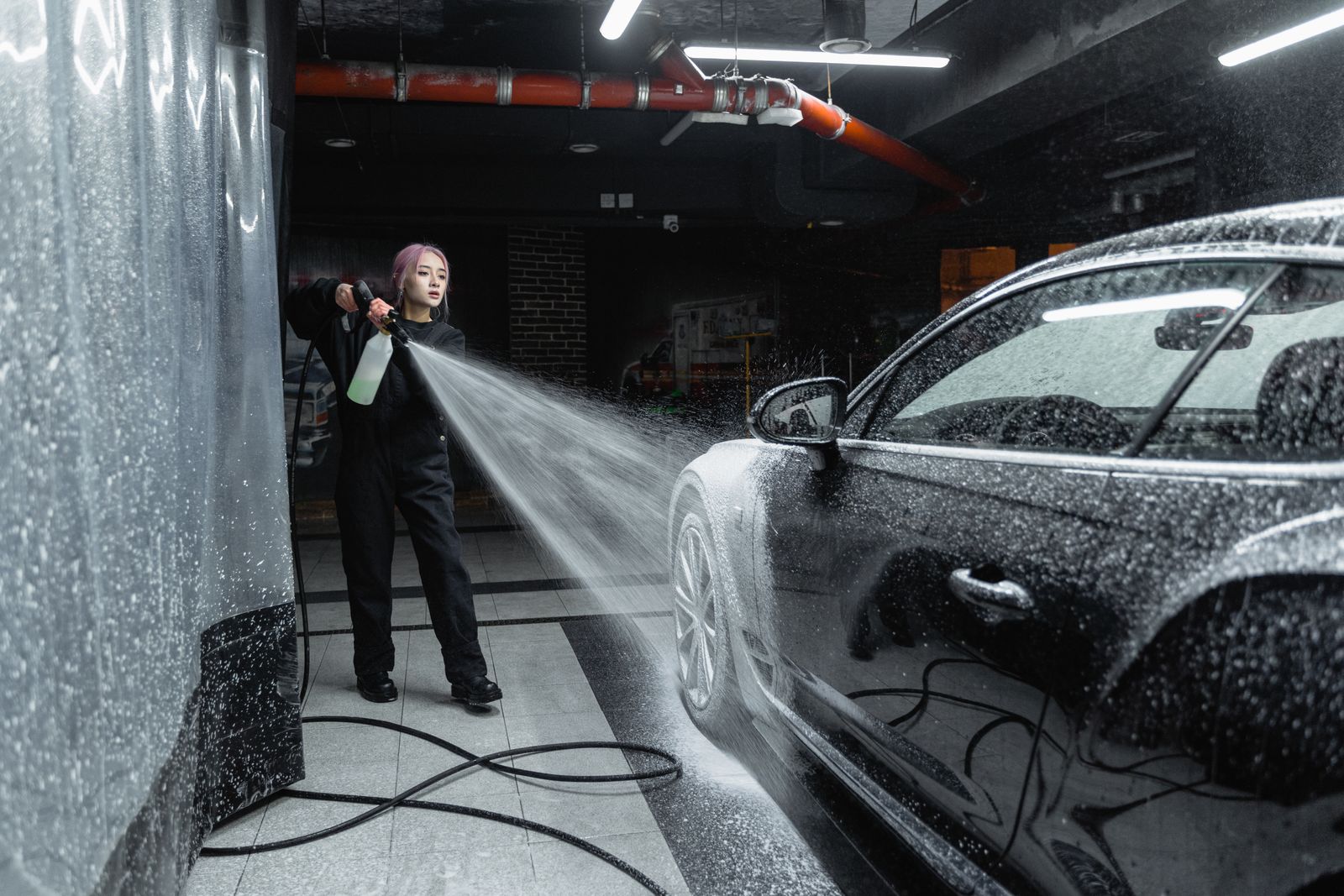
Photo by Tima Miroshnichenko on Pexels
| Failure Mode | Hardware / Environmental Cause | Immediate Field Fix | Long-Term Prevention |
| --- | --- | --- | --- |
| Thermal Overload Shutoff (5-8 Min Cutoff) | High ambient heat (>90°F) or narrow 0° nozzle forces motor to draw max amps, overheating BMS. | Allow pack to cool for 30 minutes; swap to a 25° nozzle to reduce continuous current draw. | Operate tool in shaded areas; store batteries at room temperature (65°F-75°F). |
| Inlet Water Strain & Pump Cavitation | Clogged inlet screen or kinked draw hose forces pump to work against severe friction, doubling amp draw. | Rinse inlet filter screen in clean water; straighten supply hose completely. | Inspect and clean suction filter prior to every cleaning session. |
| Lithium Cell Voltage Imbalance | Individual 18650/21700 cell series voltage drops unevenly, triggering early BMS cut-off under load. | Leave battery on charger for 4-6 hours post 'full' signal to allow BMS balancing circuits to equalize. | Avoid discharging batteries below 15% capacity; recharge after every use. |
| Terminal Pin Oxidation / Resistance | Corrosion on battery terminal contacts creates high electrical resistance, triggering low-voltage protection. | Clean terminal pins with quick-drying electrical contact cleaner and a fine brass wire brush. | Apply a thin layer of dielectric grease to battery blade contacts. |
Match your pressure washer's behavior against these common electrical and mechanical failure modes to find an immediate field fix.
Neighborly Expert Tip: Managing Thermal Protection Cutoffs
If your battery shuts off after 5 to 7 minutes of heavy spraying, don't assume the pack is empty right away! Brushless motors push heavy amperage when restricted by narrow 0-degree nozzles or clogged filter screens. Touch the battery casing—if it feels hot, the internal Battery Management System (BMS) tripped its thermal circuit breakers to prevent cell damage. Let it cool in the shade for 20-30 minutes before placing it back on the charger. Plugging a hot lithium pack directly into a charger can trip charger error codes or permanently degrade cell capacity.
Battery Drain Diagnostic Decision Tree
- Is your battery less than 2 years old and showing full charge lights on the dock? → Yes: Check nozzle tip for mineral clogs or switch to a 40° fan nozzle.. No: Perform a multimeter voltage check across terminals.
- Does motor sound pitch drop down significantly before the washer cuts off? → Yes: Clean inlet intake filter screen; pump is straining due to water flow restriction.. No: Check charger status light for rapid red error flashes.
- Does charger indicate a cell failure error or refuse charge entirely? → Yes: Replace lithium battery pack with a high-capacity model.. No: Cool pack to room temp and re-test runtime on high-flow setting.
Immediate Action Plan to Restore Runtime
Your decision: Determine whether your runtime issue is caused by nozzle backpressure, thermal safety trips, or cell aging.
Do this next: Clean the intake suction screen, switch to a 25° or 40° spray nozzle, and allow the battery casing to cool down completely before recharging.
Related resource: Cordless Pressure Washer Routine Maintenance: 5 Steps to Extend Equipment Life
Cordless Pressure Washers (Capacity) high-capacity replacement lithium pack on cordlesspressurewasher.com
Take these three immediate steps today before spending money on replacement hardware.
Key Takeaways for Long Battery Runtime
Keep these essential rules in mind to maximize your portable pressure washer's run-time and battery lifespan.
Battery Capacity vs. Motor Load Spec Matrix
| Battery Ah Rating | Nozzle Spray Angle | Current Draw (Amps) | Expected Runtime (Mins) | Thermal Risk Level |
| --- | --- | --- | --- | --- |
| 2.0 Ah (Standard) | 0° Pinpoint Tip | 14.5 A | 8 - 10 mins | High (Thermal trip likely) |
| 2.0 Ah (Standard) | 25° Spray Tip | 11.2 A | 12 - 14 mins | Moderate |
| 2.0 Ah (Standard) | 40° Wide Fan | 9.8 A | 15 - 18 mins | Low |
| 4.0 Ah (High Capacity) | 15° Narrow Tip | 12.8 A | 22 - 26 mins | Moderate |
| 4.0 Ah (High Capacity) | 40° Wide Fan | 9.8 A | 30 - 35 mins | Low (Optimal setup) |
Compare expected continuous runtimes based on battery rating, spray nozzle selection, and current draw.
Recommended Replacement & High-Capacity Battery Options
If diagnostic steps confirm cell degradation, upgrade to an extended-capacity battery pack engineered for portable pressure washers.
Seasonal Lithium-Ion Care & Storage Schedule
- Before Every Use — Inspect terminal contacts for oxidation; check suction filter screen for debris.
- Monthly During Cleaning Season — Perform a deep-charge cycle (leave on charger 4 hours after green light) to balance internal cell voltages.
- End of Season / Winter Storage — Charge battery to 50%-60% capacity. Store indoors in a climate-controlled space (50°F-70°F). Do not store on concrete floors.
- Mid-Winter Check — Check storage voltage; top up to 50% if charge level drops below 30% over long winter periods.
Side-by-Side Diagnostic: Battery Cell Failure vs. System Backpressure
Photo by David McElwee on Pexels
| Diagnostic Parameter | Physical Battery Cell Degradation | Machine Backpressure & Suction Strain |
| --- | --- | --- |
| Battery Temperature Post-Cutoff | Cool to slightly warm (Room Temp to 95°F) | Hot to very hot (>115°F) |
| Motor Sound Prior to Shutdown | Consistent pitch, suddenly cuts out sharp | Deep motor laboring, pitch drops low before shutoff |
| Charger Behavior | Blinks red error light or reaches 'full' in <10 mins | Charges normally after 20-minute cooling period |
| Resting Multimeter Voltage | >10% lower than nominal rated voltage | Matches rated nominal voltage (e.g., ~20.2V on 20V max) |
| Primary Solution | Replace lithium-ion battery pack | Clean inlet screen & change to wider spray nozzle |
Use this side-by-side comparison matrix to determine whether your problem lives inside the battery pack or inside the pressure washer pump.
5 Steps to Fix Rapid Battery Drain Today
Follow these practical diagnostic steps to restore your pressure washer runtime.
4 Common Battery Care Mistakes That Drain Power
Avoid these frequent mistakes to ensure your pressure washer battery lasts through every cleaning job.
Frequently Asked Questions
Answers to common reader questions about cordless pressure washer battery health and troubleshooting.
Related Pressure Washer Maintenance & Battery Care Guides
- Rapid Battery Drain Diagnostic Path
- Why is my cordless pressure washer losing water pressure?
- Cordless Pressure Washer Low Pressure Troubleshooting: Fix PSI & GPM Fast
Final Summary & Immediate Action Plan
Your decision: Choose whether to clean intake components, adjust your spraying habits, or replace an aging battery pack.
Do this next: Flush the intake filter, inspect your spray nozzle for clogs, allow your battery pack to rest in the shade, and re-test runtime.
Related resource: Cordless Pressure Washer Routine Maintenance: 5 Steps to Extend Equipment Life
Cordless Pressure Washers (Capacity) high-capacity replacement lithium pack on cordlesspressurewasher.com
Wrap up your troubleshooting session by determining the right next step for your cleaning setup.
Cover photo by Tima Miroshnichenko on Pexels.